Chick-fil-A Gift Cards 2026: Balance Check, Expiration, Number and PIN Guide
Chick-fil-A gift cards are a simple way to pay for meals, send digital gifts, and manage small balances through the app. Many users search for clear answers about balance checks, card numbers, PIN locations, and expiration rules before using their cards.
This guide explains everything in one place, including how to check your Chick-fil-A gift card balance, how digital and physical cards work, and what to do if your card is not loading or showing the correct amount. The goal is to give quick, accurate information so you can use your Chick-fil-A gift card without confusion.
Do Chick-fil-A Gift Cards Expire
Chick-fil-A gift cards do not expire, no matter when they were purchased or how long they remain unused. The balance stays active without any maintenance fees, and the amount does not decrease over time. This applies to both physical cards and digital eGift cards.
Once the value is loaded, it stays available until you use it at a Chick-fil-A restaurant, through the mobile app, or for catering orders.
Chick-fil-A Gift Card Balance Check
You can check your Chick-fil-A gift card balance in a few quick ways. The fastest option is the automated support line at 1-888-232-1864, where you enter the card details and hear the remaining amount. You can also walk into any participating Chick-fil-A location and ask a team member to check the balance for you.
If you’ve already added your gift card to your Chick-fil-A One account, the balance appears inside your digital wallet instead of on the original card. In the app, open it and tap Scan on the bottom bar. The current balance shows right under the QR code. If you prefer checking online, sign in to your Chick-fil-A One account, open the Account menu, and select Payments and Subscriptions. Your digital card balance is displayed there.
Once a physical or digital gift card is moved to the Chick-fil-A App, the entire amount transfers to your Chick-fil-A One Digital Gift Card. After this transfer, the original physical card or emailed gift card will no longer show a balance because everything is stored inside your app wallet.
Chick-fil-A Gift Card Number and PIN
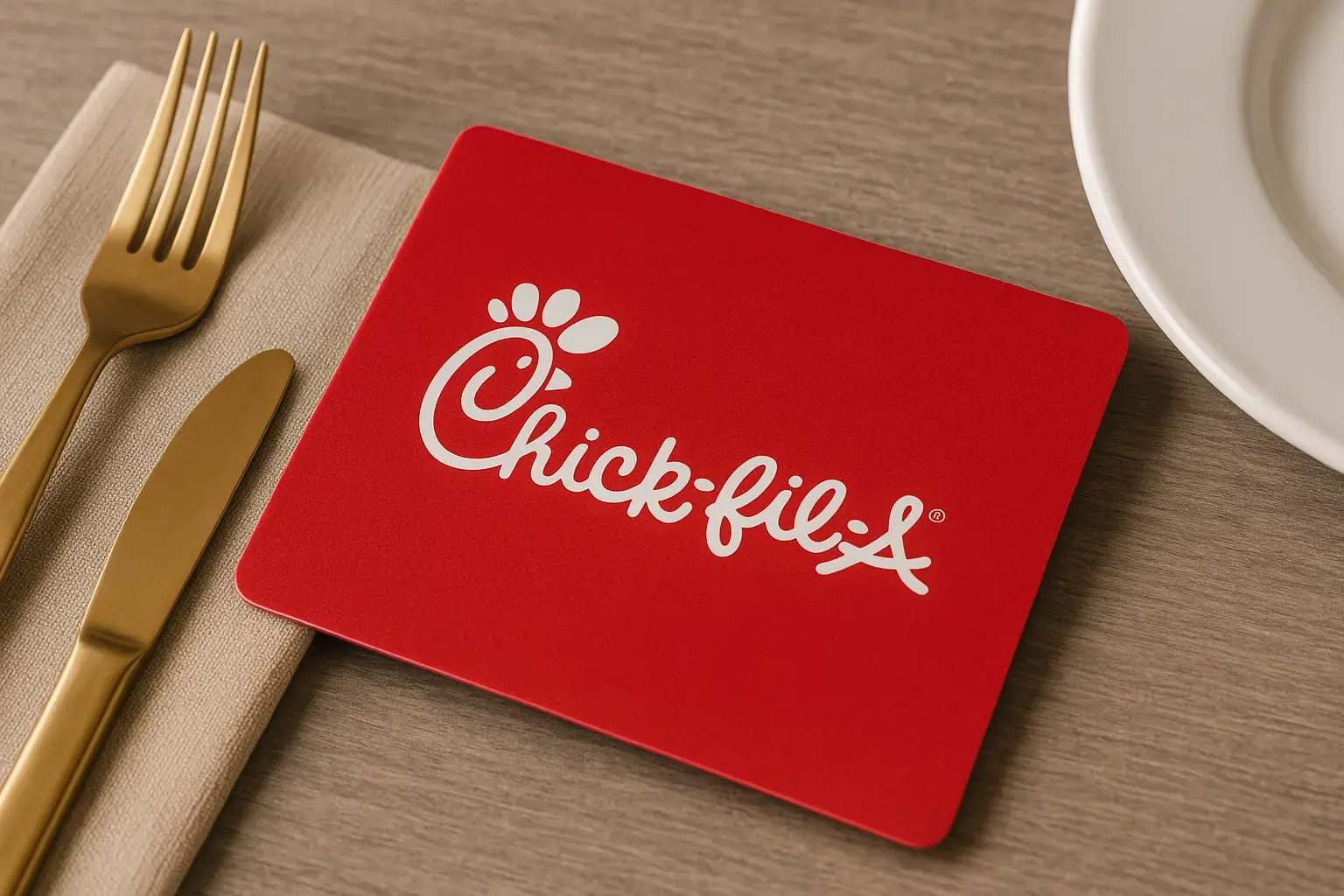
Every Chick-fil-A gift card has two important details: the card number and the PIN. The card number is printed on the front or back of the card, depending on the design, and the PIN sits under a small scratch-off area. You need both numbers to check your balance, add the card to the Chick-fil-A App or move funds to your digital wallet.
If the PIN is hard to read or has been scratched too deep, you can still try checking the card in the Chick-fil-A App or ask a team member at a restaurant to help confirm the remaining amount. For digital eGift cards, the card number and PIN appear in the message or email you received, and those details can be used the same way as a physical card.
Why Your Chick-fil-A Gift Card Balance May Not Show
Sometimes the balance does not load right away, and most issues come from simple card errors. If the number or PIN is entered incorrectly, the system will not display the amount. A scratched or unreadable PIN can also prevent the balance from showing. In some cases, new cards take a short time to activate, especially if they were purchased recently or used for the first time.
If the card has already been transferred into the Chick-fil-A App, its value no longer appears on the original card and will only show inside your digital wallet. Digital cards may also delay if the app is not refreshed or if the internet connection drops while checking. When the balance still does not appear, visiting a participating Chick-fil-A restaurant or calling the automated support line can confirm the correct amount.
Chick-fil-A Gift Card Types

Chick-fil-A offers two simple gift card options: eGift cards and physical cards. eGift cards arrive instantly by email or text and can be used right away at the restaurant or transferred into the Chick-fil-A App for easier balance tracking. Once the amount moves into your Chick-fil-A One Digital Gift Card, the balance only exists in the app and not on the original eGift link.
Physical gift cards are available at most Chick-fil-A restaurants and can be loaded with five to one hundred dollars. These cards work in the drive-thru, in the restaurant, and can also be added to the Chick-fil-A App by entering the card number and PIN. After transfer, the full amount shifts to your digital wallet, and the physical card no longer shows a balance.
Where to Buy Chick-fil-A Gift Cards
You can buy Chick-fil-A gift cards directly from most Chick-fil-A restaurants, where physical cards are available in flexible amounts. eGift cards are sold online and delivered instantly by email or text.
For larger orders, Chick-fil-A also offers a bulk ordering option for businesses, schools and organizations. Retail and grocery stores may carry third-party gift cards in select locations, but availability depends on the store and region.
Where You Can Use Chick-fil-A Gift Cards
Chick-fil-A gift cards work at participating Chick-fil-A restaurants for dine-in, carry-out and drive-thru orders. You can also use them inside the Chick-fil-A App after transferring the balance to your digital wallet.
The card does not work on third-party delivery apps like DoorDash, Uber Eats or Grubhub, because those platforms handle their own payment systems. For catering orders placed directly with Chick-fil-A, the gift card balance can be applied like a regular payment.
Lost or Damaged Chick-fil-A Gift Cards
If a Chick-fil-A gift card is lost or damaged, the balance may be restored only if you can provide the original card number, receipt or proof of purchase. Without those details, Chick-fil-A cannot recover the remaining amount. For digital cards, the email or text message that contains the card number and PIN works as proof, and the balance can be moved back into your Chick-fil-A App if needed.
Chick-fil-A Gift Card Load and Reload Limits
Chick-fil-A gift cards can be loaded with any amount between five and one hundred dollars when purchased in the restaurant. If you add the card to the Chick-fil-A App, you can reload it from your digital wallet using a saved payment method.
Reload amounts follow the same limits, and the updated balance appears instantly once the transaction is complete. Bulk orders allow higher combined values but still follow the standard per-card limit.
Chick-fil-A App and Digital Wallet Use
You can add both physical and digital gift cards to the Chick-fil-A App by entering the card number and PIN. Once the balance is transferred, the amount becomes part of your Chick-fil-A One Digital Gift Card and is available for mobile orders, drive-thru scanning, and in-restaurant payment.
The app also lets you reload the card, view your current balance and track recent activity without needing the original card again.
State Cash-Out Rules for Small Balances
In some U.S. states, small remaining gift card balances can be paid out in cash when the amount drops below a set limit. These rules vary by state, but many regions allow cash-out when the remaining balance is a few dollars or less.
If your Chick-fil-A gift card balance is small and you live in a state with a cash-out law, you can request the amount directly at a participating restaurant.
Check the Chick-fil-A catering menu with prices and place your order in advance for upcoming events like Thanksgiving, Christmas and New Year’s.
FAQs
How do I know if my Chick-fil-A gift card is active?
A new card is active as soon as it’s purchased at the restaurant or delivered by email. If you want to confirm, you can try checking the balance through the app or call the automated support line to hear the current amount.
Can I use my Chick-fil-A gift card without adding it to the app?
Yes, you can. Physical cards and eGift cards can be used directly at the counter or drive-thru. Adding it to the app is optional, but it makes balance tracking and reloading easier.
Why does my Chick-fil-A gift card show no balance after transferring it?
Once a card is transferred into the Chick-fil-A App, the full amount moves into your Chick-fil-A One Digital Gift Card. After that, the original card will always display a zero balance because everything is stored in the app wallet.
Does Chick-fil-A allow refunds on gift cards?
Gift card purchases are non-refundable. Once the card is loaded, the amount stays attached to that card or your Chick-fil-A One account if you transferred it.
Can I buy food for delivery using a Chick-fil-A gift card?
You can use a gift card for delivery only through the Chick-fil-A App. Third-party apps like DoorDash, Uber Eats and Grubhub do not accept Chick-fil-A gift cards.
What should I do if my digital gift card email or text message is missing?
Check your spam folder, promotion tab or message history. If you still cannot find it, contact the sender or the platform where it was purchased for a resend.